How the app handles your data — in plain words.
Privacy Policy — Digital Tasbeeh Noor
Last updated: 16 October 2026 (advertising section added for the AdMob build)
Digital Tasbeeh Noor ("the app") is a personal dhikr (azkar) counter developed by Zeeshan Akhtar. This policy explains what data the app uses and how it is handled.
Data the app stores
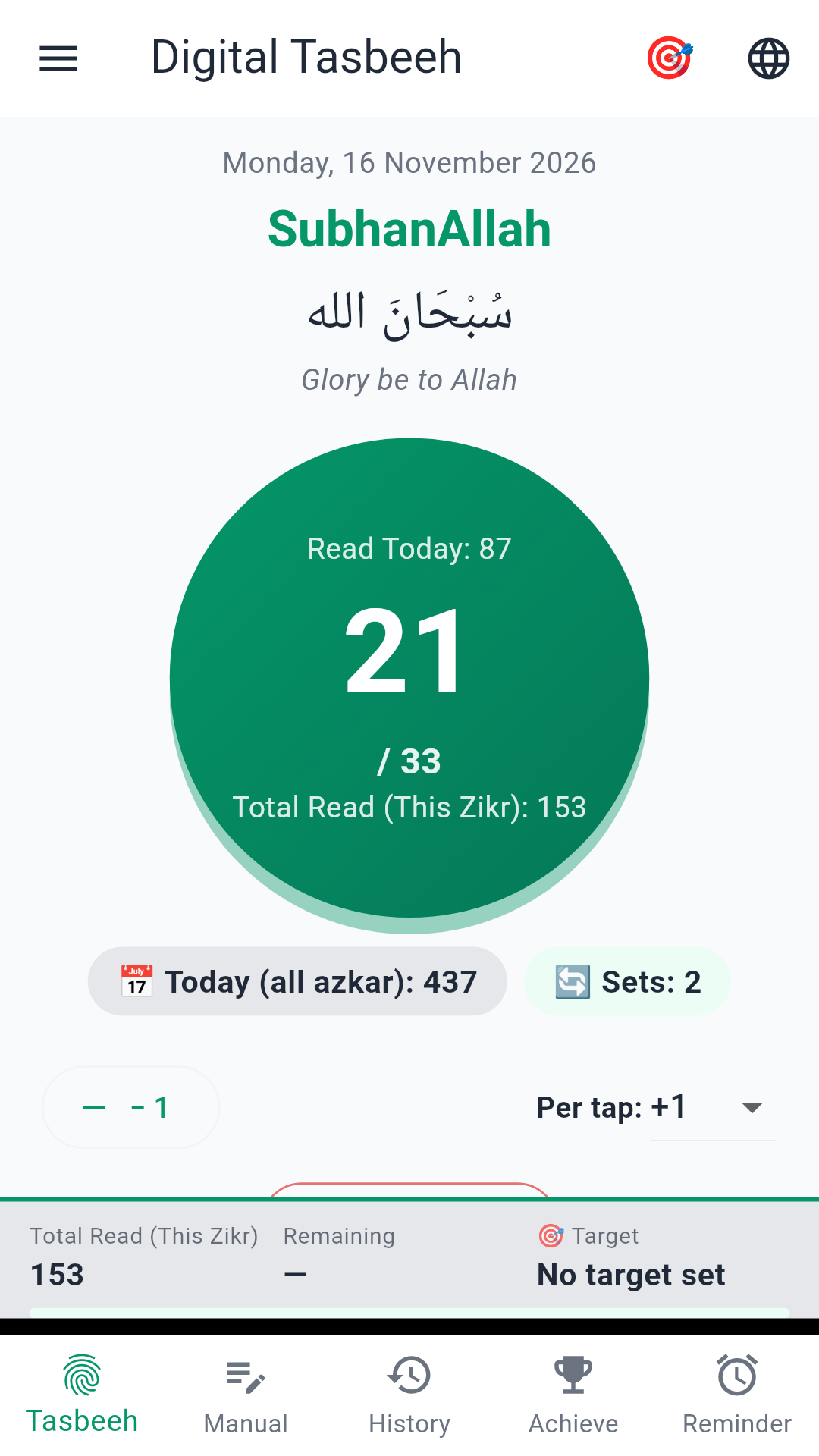
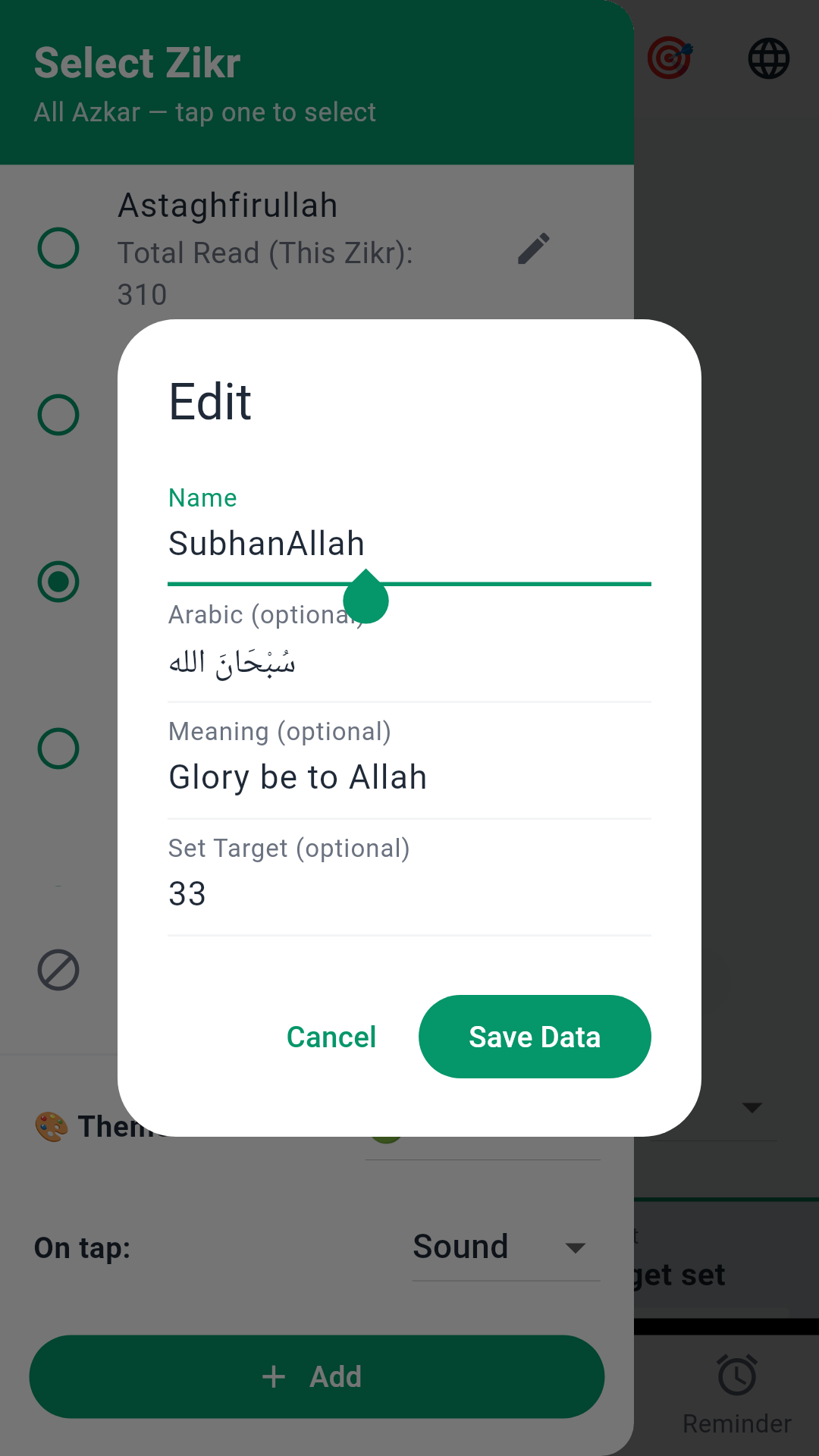
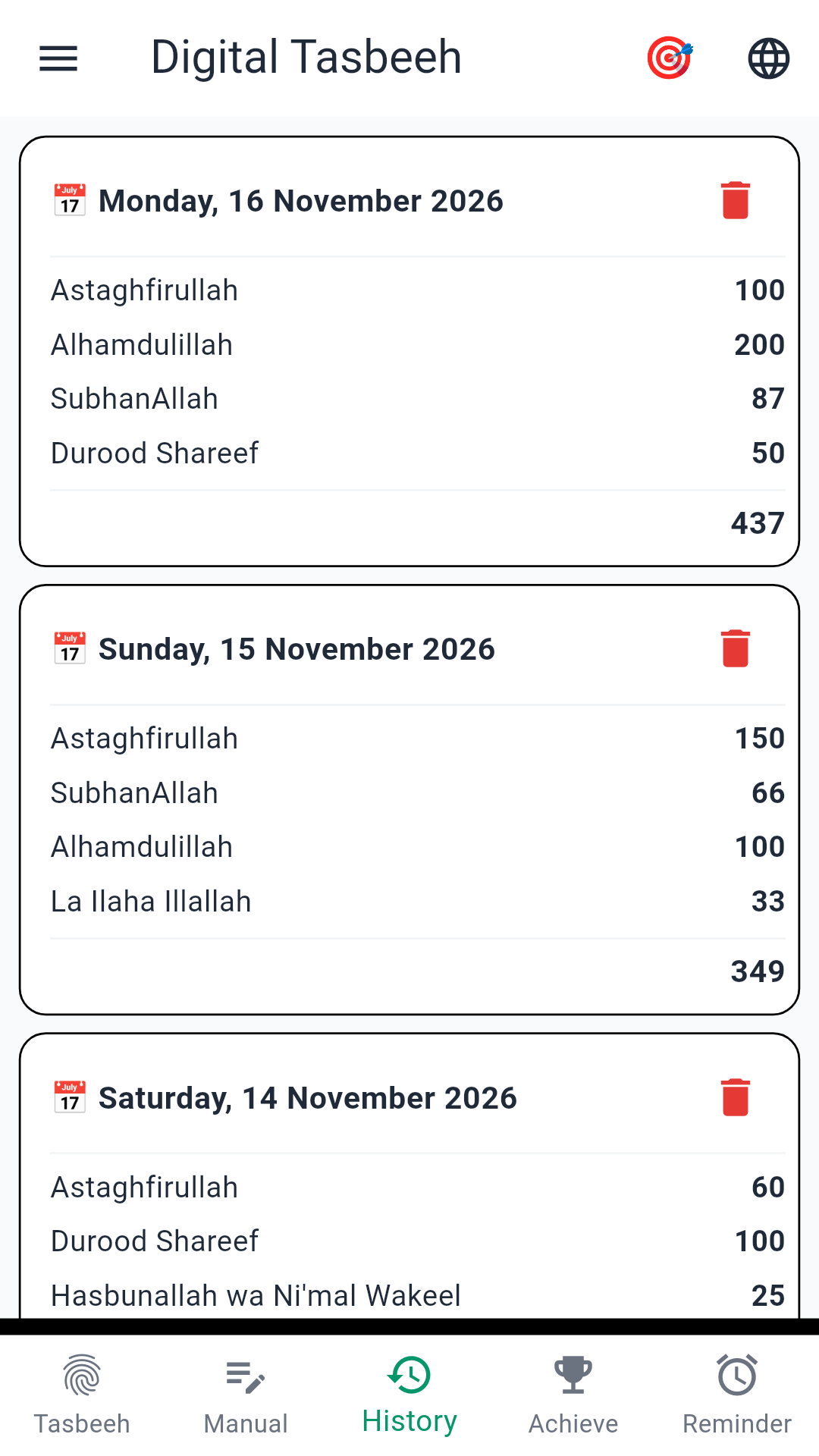
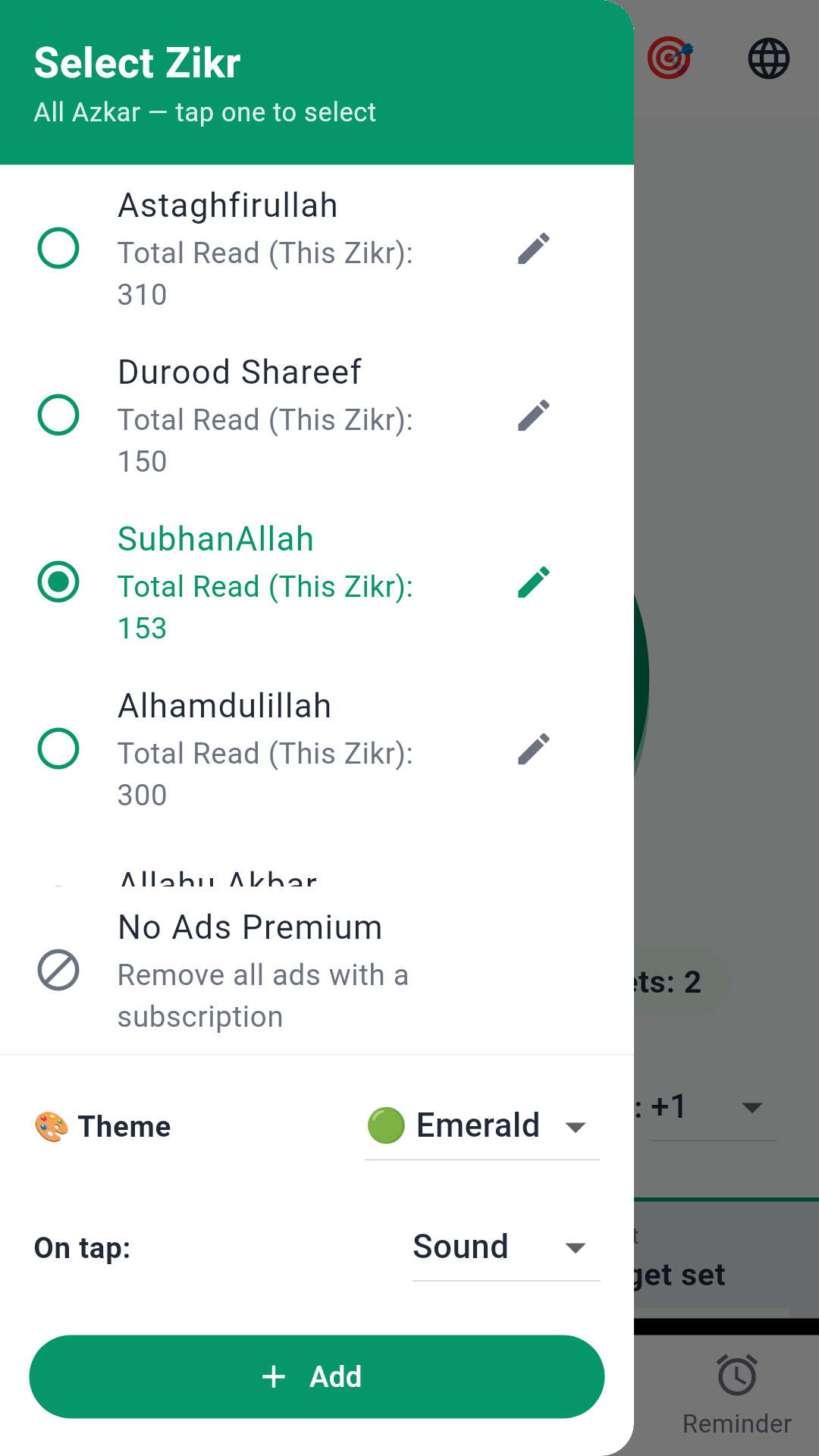
The app stores only your tasbeeh activity: the names of azkar, your daily counts, optional targets (including optional set/round targets), and reminder settings. This data is kept on your device and, if you are online, synced to Google Firebase (Cloud Firestore) using an anonymous sign-in, so it can be restored on your device. The anonymous account is not linked to your name, email address, phone number, or any other identity.
Data we do NOT collect ourselves
- No name, email address, phone number, or contacts
- No location data collected by the app itself
- No photos, files, or microphone/camera data
Advertising (Google AdMob)
The app is free and shows advertisements provided by Google AdMob (Google Mobile Ads SDK): a banner, occasional full-screen (interstitial) ads at natural breaks, and an app-open ad. To serve, limit, measure and protect these ads, Google and its advertising partners may collect and use:
- the device Advertising ID (AAID) and other device or other IDs
- approximate (coarse) location derived from the device IP address
- ad interaction and app activity information (for example, that an ad was shown or tapped)
- diagnostics and performance information about ad delivery
This advertising data is handled by Google under Google's own privacy policy: https://policies.google.com/privacy — and Google's explanation of how it uses data from apps that use its services: https://policies.google.com/technologies/partner-sites
You can reset or delete the Advertising ID, and turn off ad personalisation, at any time in your device settings (Settings > Privacy > Ads) or in Google's Ads Settings. If you delete the Advertising ID, ads may still be shown but will not be personalised using that ID.
How the data is used
Your counts and settings are used only to provide the app's own features: showing your totals and history, optional targets and set counts, and daily reminder notifications. Your tasbeeh data is never sold, rented, or shared with third parties for marketing; it is separate from the advertising data described above, which is collected by the AdMob SDK for ad serving only.
Permissions the app uses
- Internet — to sync your tasbeeh records to your private Firebase cloud account, and to load advertisements. The counter works offline without it (ads simply do not load).
- Notifications — to show the daily reminder notifications you set. On Android 13 and above, the system asks for your permission first; reminders stay off unless you allow them.
- Run at startup (boot completed) — to re-schedule your daily reminders after the phone restarts, so they are not lost.
- Vibration — for the gentle vibration feedback when you tap the counter.
- Advertising ID permission (com.google.android.gms.permission.AD_ID) — added by the Google Mobile Ads SDK so AdMob can use the Advertising ID as described above.
The app requests no other permissions: no camera, microphone, contacts, storage, or location access.
Third-party services
- Google Firebase (Cloud Firestore and Firebase Authentication in anonymous mode) — to store and sync your tasbeeh records.
- Google AdMob (Google Mobile Ads SDK) — to serve advertisements, as described in the Advertising section above.
Both are covered by Google's privacy policy: https://policies.google.com/privacy
Data deletion
You can delete your data at any time by clearing the app's storage in your device settings or by uninstalling the app (this removes the on-device data). To request deletion of the synced cloud copy, contact us at the email below and we will delete the records associated with the app. Advertising data held by Google can be managed through your device's Ads settings as described above.
Children
The app is a general-purpose religious utility and is not directed at children under 13.
Changes
If this policy changes, the updated version will be posted at this page with a new "last updated" date.
Contact
Zeeshan Akhtar — please use the developer contact email shown on the app's Google Play page.